Join thousands of users who've ended tab chaos

Join thousands of users who've ended tab chaos

Join thousands of users who've ended tab chaos

The complete tab management stack. Finally.

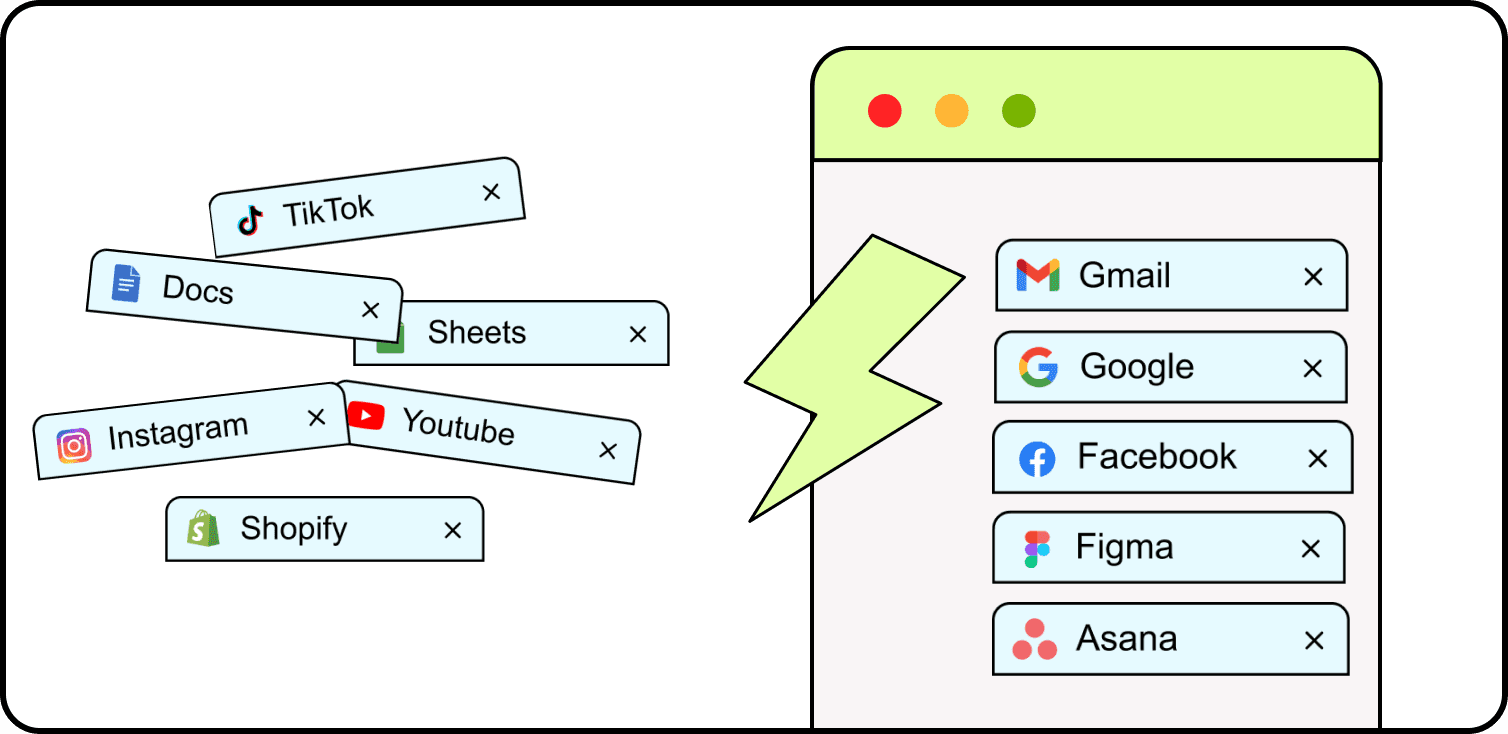
One extension to suspend tabs. Another to save sessions. A third to manage groups. You're literally managing multiple tab managers just to manage your tabs. (Meta, we know. Also exhausting.)

Tab Bandit is the complete tab management stack—built for real-world chaos, not perfect workflows. Memory optimization, crash recovery, and smart automation in one extension.

Problem

Problem

Problem

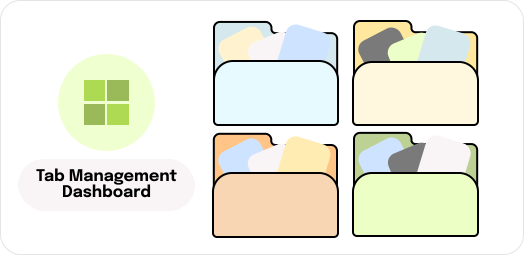
Tab chaos is killing your productivity.

Duplicate tabs multiplying. Memory choking your browser. Zoom launchers cluttering your workspace. Browser crashes nuking your research. The tiny tab annoyances you deal with daily compound into massive time waste.

MANUAL BUSYWORK EATS YOUR TIME

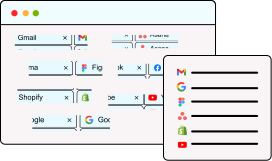
You waste minutes daily on friction: clicking 12 links individually, hunting for duplicates, or manually switching Google accounts. Tab Bandit automates the tedious stuff so you can flow.

MANUAL BUSYWORK EATS YOUR TIME

You waste minutes daily on friction: clicking 12 links individually, hunting for duplicates, or manually switching Google accounts. Tab Bandit automates the tedious stuff so you can flow.

MANUAL BUSYWORK EATS YOUR TIME

You waste minutes daily on friction: clicking 12 links individually, hunting for duplicates, or manually switching Google accounts. Tab Bandit automates the tedious stuff so you can flow.

BROWSER INSTABILITY RISKS YOUR WORK

Crashes happen. Data loss shouldn't. Whether it's protecting unsaved forms, managing RAM to prevent freezing, or auto-recovering after a crash, Tab Bandit ensures a browser glitch never kills your deadline.

BROWSER INSTABILITY RISKS YOUR WORK

Crashes happen. Data loss shouldn't. Whether it's protecting unsaved forms, managing RAM to prevent freezing, or auto-recovering after a crash, Tab Bandit ensures a browser glitch never kills your deadline.

BROWSER INSTABILITY RISKS YOUR WORK

Crashes happen. Data loss shouldn't. Whether it's protecting unsaved forms, managing RAM to prevent freezing, or auto-recovering after a crash, Tab Bandit ensures a browser glitch never kills your deadline.

TAB CHAOS DESTROYS YOUR FOCUS

Without a system, you're just reacting. Turn your browser into a command center. Save sessions, kill duplicates, clear Zoom clutter, and track your time usage from one powerful dashboard.

TAB CHAOS DESTROYS YOUR FOCUS

Without a system, you're just reacting. Turn your browser into a command center. Save sessions, kill duplicates, clear Zoom clutter, and track your time usage from one powerful dashboard.

TAB CHAOS DESTROYS YOUR FOCUS

Without a system, you're just reacting. Turn your browser into a command center. Save sessions, kill duplicates, clear Zoom clutter, and track your time usage from one powerful dashboard.

This Is What "All-in-One" Actually Looks Like

Not just features—solutions to the tiny frustrations that compound into massive time waste.
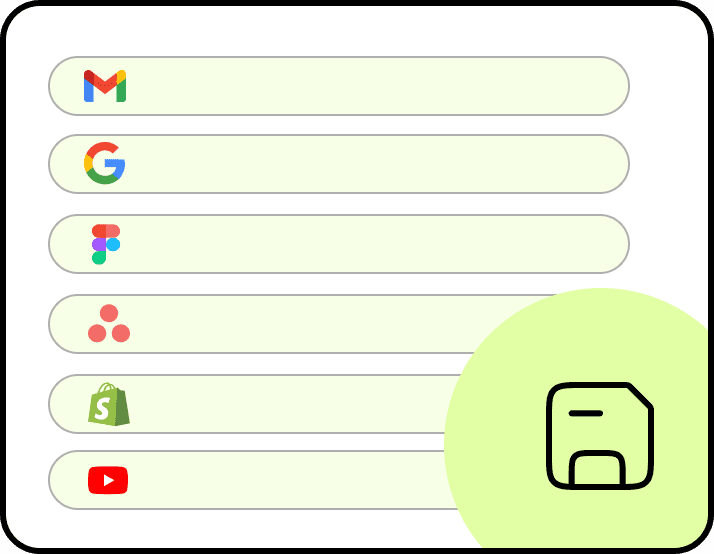
Tab Management Dashboard

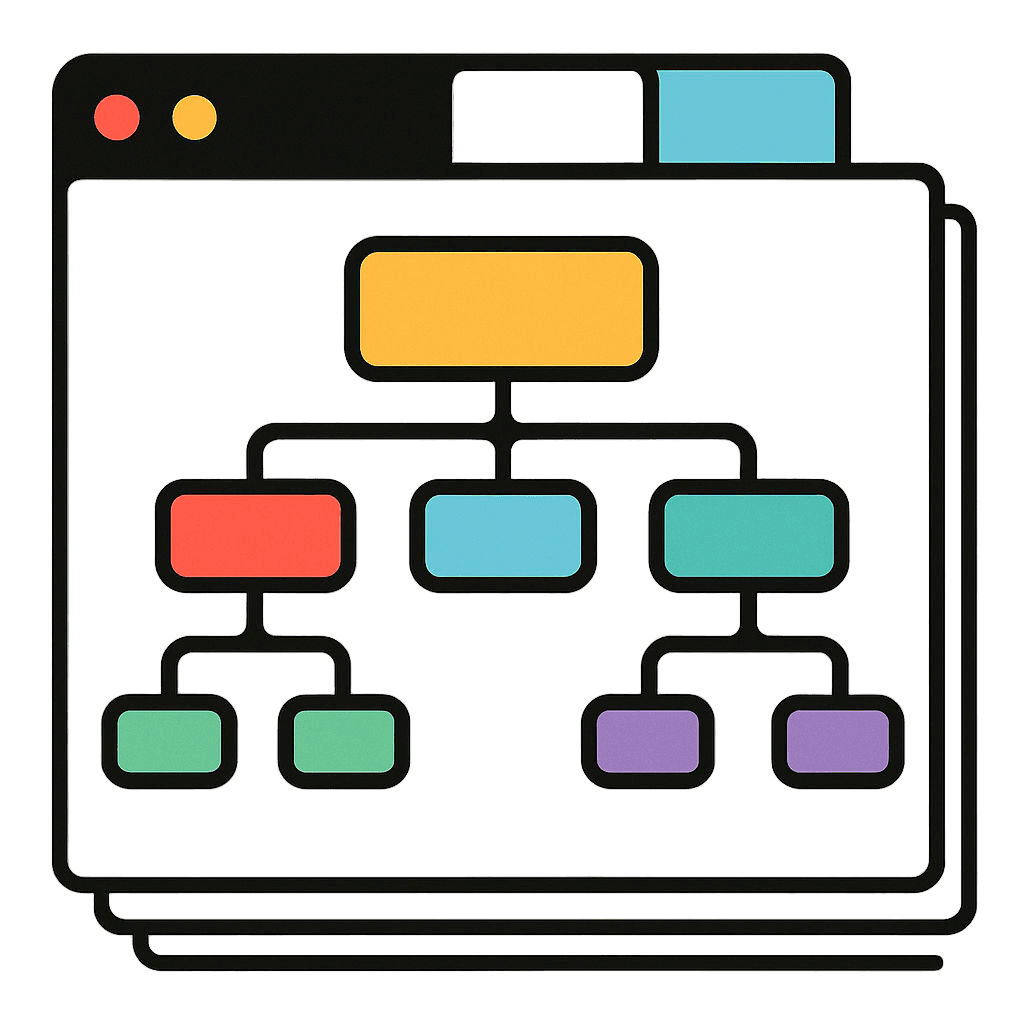
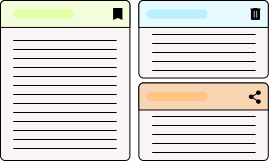
Your command center for tab chaos. Save URLs, manage sessions, organize groups, and view history—all in one place. Your complete tab operation center in one clean interface.

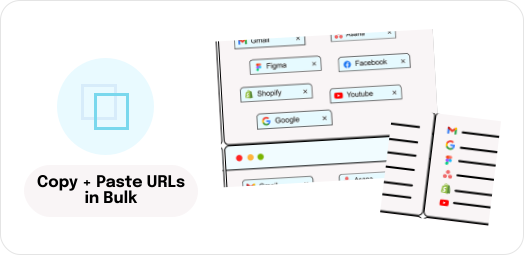
Copy & Paste URLs in Bulk

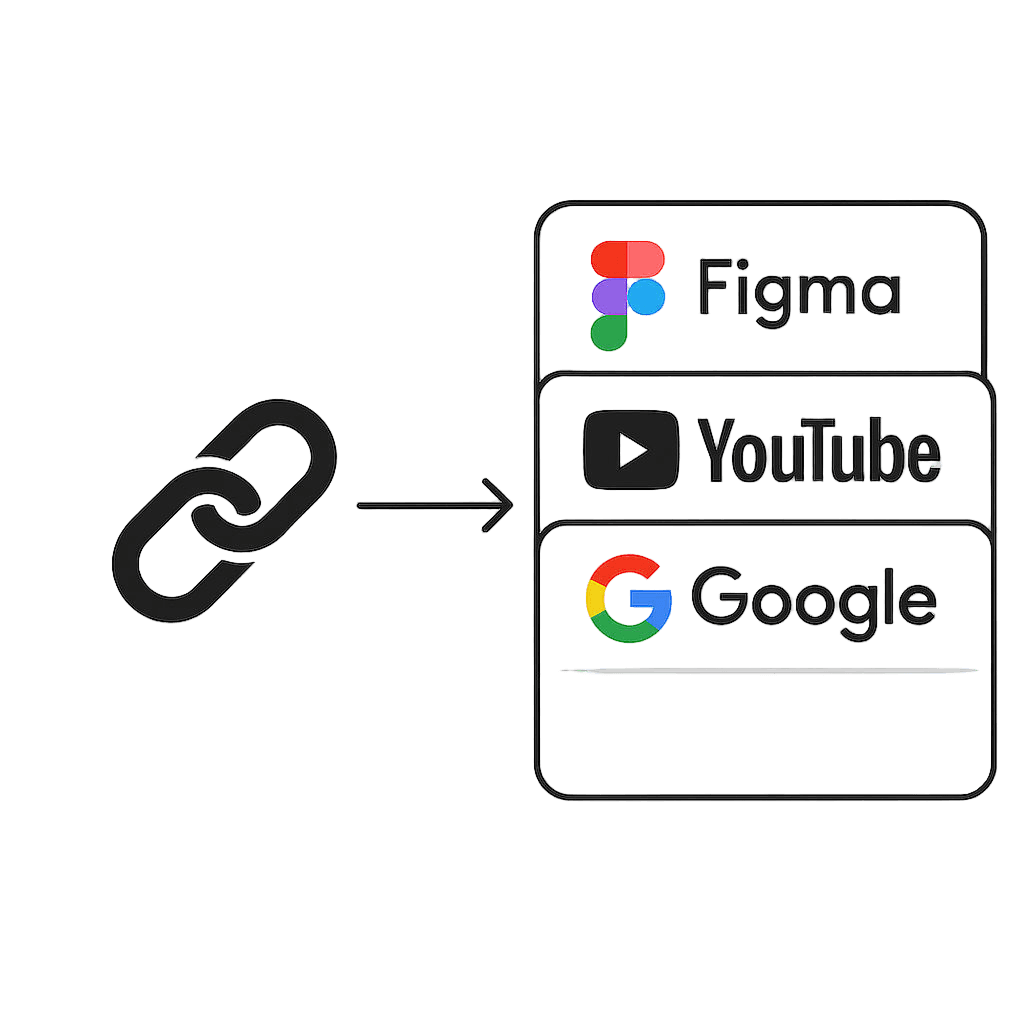
Whether you're opening 12 Slack URLs one painful click at a time or manually copy-pasting 15 research tabs to share with your team, you're stuck doing 2009-era busywork that wastes 10 minutes you'll never get back.

Need to share 50 research tabs? No More URL Walls

Share 50 tabs without the Slack wall of shame. Package your entire browser window into one shareable link. Your teammates will thank you.

Teammate drops 8 links in Slack? Open them all at once.

Paste them into Tab Bandit. All 8 tabs open instantly. No more ctrl+clicking through messages like a caveman.

Smart Memory Management

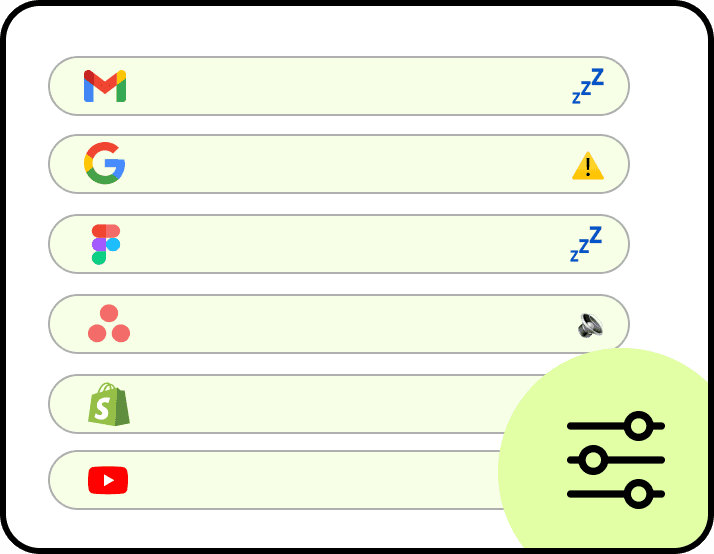
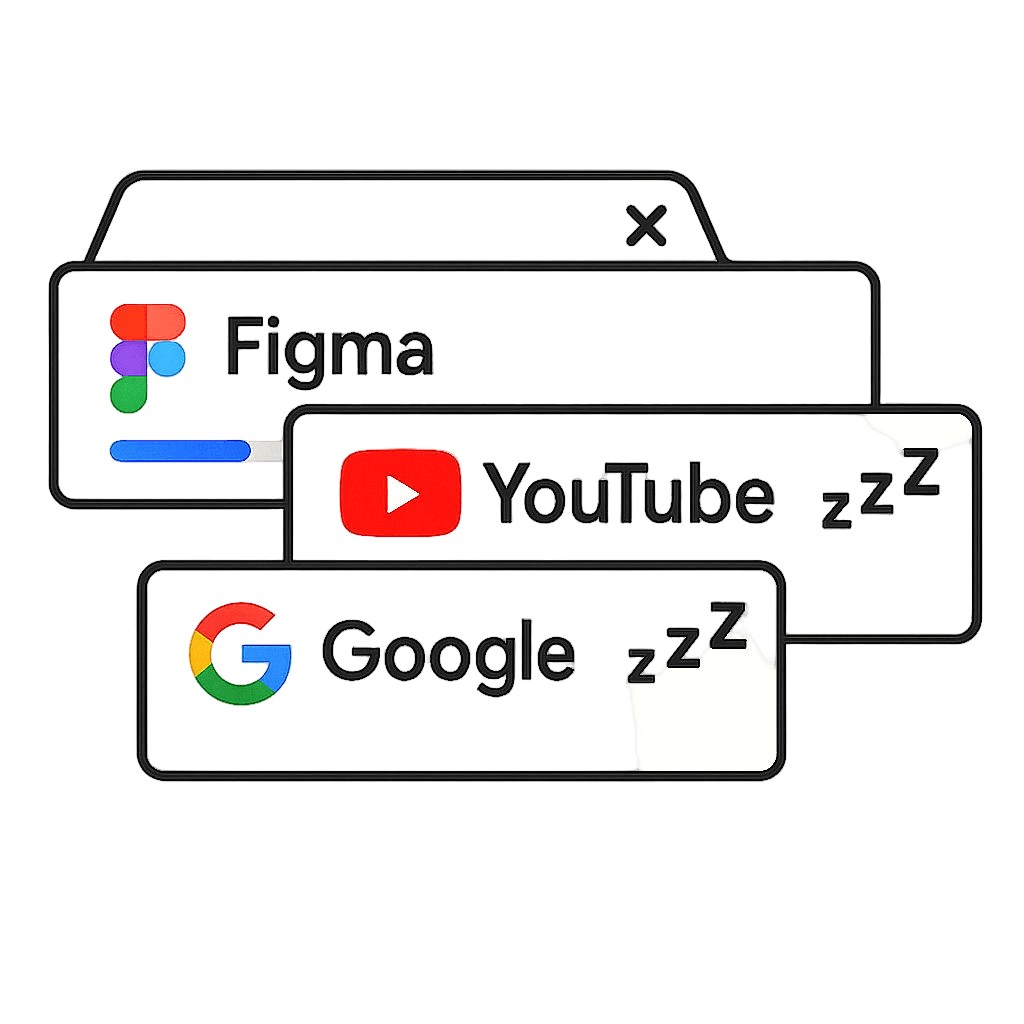
Memory management that bends to you. Choose when tabs suspend—1 minute or 1 hour. Whitelist your essentials. Protect that background podcast keeping you locked in.

Never Lose Work Again

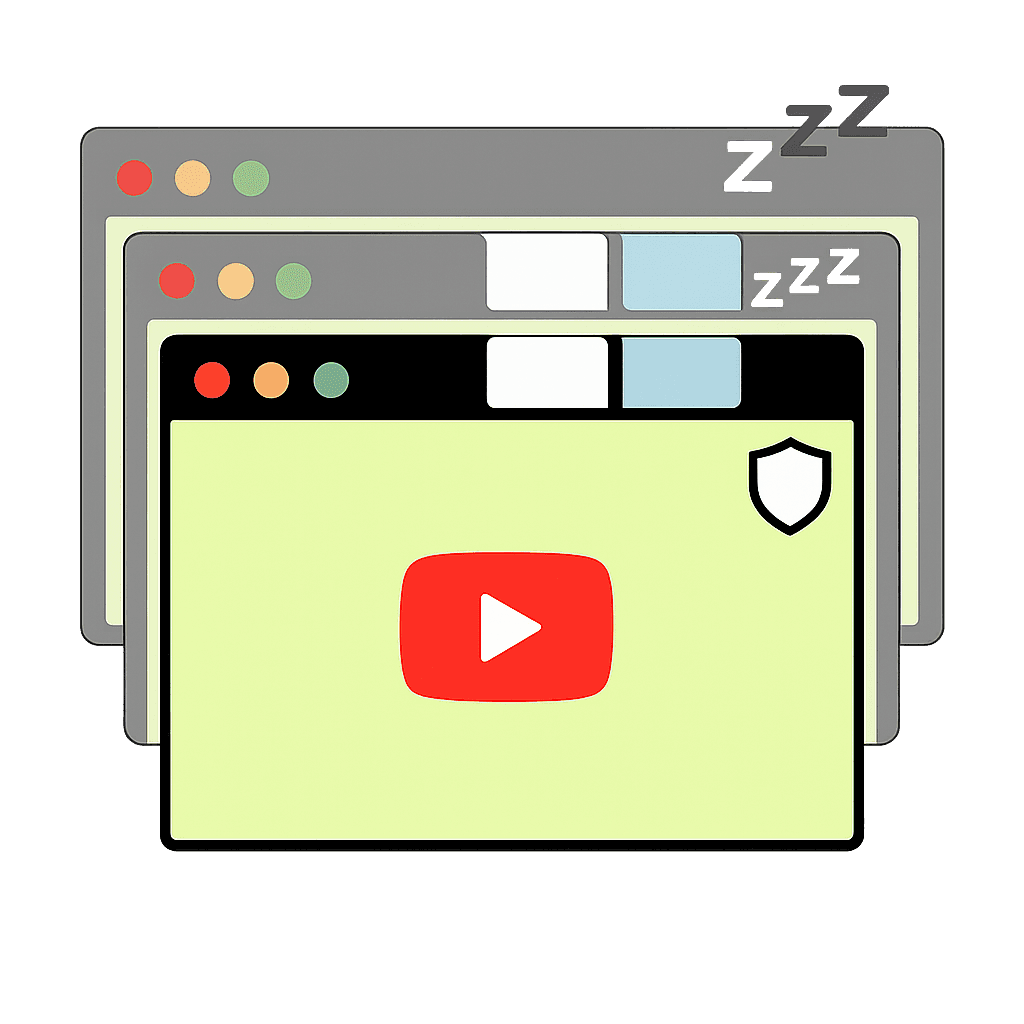
Your work survives every crash. Auto-save runs constantly. Recovery happens instantly. Unsaved forms stay protected. Browser meltdowns can't touch you.

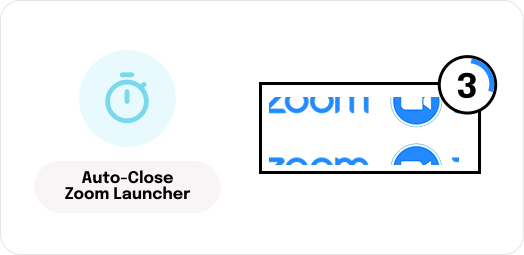
Zoom Launcher Auto-Close

Automatically closes those annoying Zoom meeting launcher pages after you join. It's the little things that save your sanity.

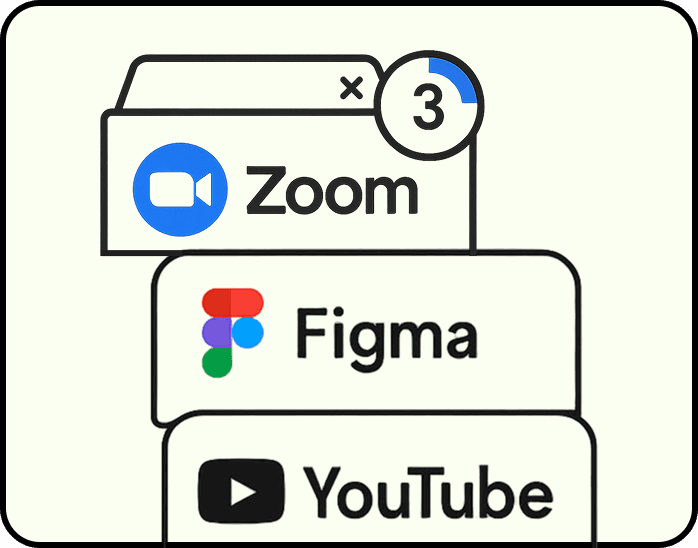
Lightning-Fast Tab Wrangling

Kill duplicate tabs in one click. Three copies of that Google Doc? Tab Bandit finds and destroys them instantly. Clean workspace, zero effort.

Google Account Auto-Switcher

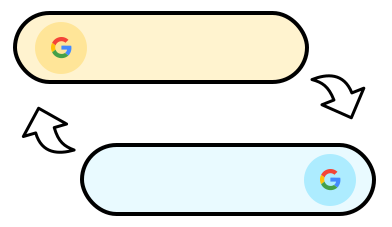
Hit "Permission Denied" on a Google Doc? Tab Bandit automatically tries your other Google accounts. No more manual account switching frustration.

Usage Analytics

Time tracking by site, automatically. Discover where your day disappears. Built-in analytics show your actual browsing patterns. Data doesn't lie.

This Is What "All-in-One" Actually Looks Like

Not just features—solutions to the tiny frustrations that compound into massive time waste.
Tab Management Dashboard

Your command center for tab chaos. Save URLs, manage sessions, organize groups, and view history—all in one place. Your complete tab operation center in one clean interface.

Copy & Paste URLs in Bulk

Whether you're opening 12 Slack URLs one painful click at a time or manually copy-pasting 15 research tabs to share with your team, you're stuck doing 2009-era busywork that wastes 10 minutes you'll never get back.

Need to share 50 research tabs? No More URL Walls

Share 50 tabs without the Slack wall of shame. Package your entire browser window into one shareable link. Your teammates will thank you.

Teammate drops 8 links in Slack? Open them all at once.

Paste them into Tab Bandit. All 8 tabs open instantly. No more ctrl+clicking through messages like a caveman.

Smart Memory Management

Memory management that bends to you. Choose when tabs suspend—1 minute or 1 hour. Whitelist your essentials. Protect that background podcast keeping you locked in.

Never Lose Work Again

Your work survives every crash. Auto-save runs constantly. Recovery happens instantly. Unsaved forms stay protected. Browser meltdowns can't touch you.

Zoom Launcher Auto-Close

Automatically closes those annoying Zoom meeting launcher pages after you join. It's the little things that save your sanity.

Lightning-Fast Tab Wrangling

Kill duplicate tabs in one click. Three copies of that Google Doc? Tab Bandit finds and destroys them instantly. Clean workspace, zero effort.

Google Account Auto-Switcher

Hit "Permission Denied" on a Google Doc? Tab Bandit automatically tries your other Google accounts. No more manual account switching frustration.

Usage Analytics

Time tracking by site, automatically. Discover where your day disappears. Built-in analytics show your actual browsing patterns. Data doesn't lie.

Everything You Need.
Nothing You Don't.
  • tab management dashboard

  • smart memory management

  • Bulk URL copy & paste

  • single share link

  • saved sessions & history

  • crash recovery

  • auto Duplicate Detection

  • Intelligent Loading

  • Whitelisting & protection

  • Google Account Auto-Switcher

  • Zoom launcher Auto-Close

  • Custom settings

  • usage analytics

  • Keyboard Shortcuts

  • smart memory management

  • auto Duplicate Detection

  • Bulk URL copy & paste

  • tab management dashboard

  • saved sessions & history

  • crash recovery

  • single share link

  • intelligent loading

  • Whitelisting & protection

  • Zoom launcher Auto-Close

  • Custom settings

  • Keyboard Shortcuts

  • usage analytics

  • Google Account Auto-Switcher

  • tab management dashboard

  • smart memory management

  • Bulk URL copy & paste

  • single share link

  • saved sessions & history

  • crash recovery

  • auto Duplicate Detection

  • Intelligent Loading

  • Whitelisting & protection

  • Google Account Auto-Switcher

  • Zoom launcher Auto-Close

  • Custom settings

  • usage analytics

  • Keyboard Shortcuts

What Happens When You Stop Fighting Your Browser

Join the thousands who've reclaimed their browsers (and their sanity)

My laptop no longer sounds like it's trying to achieve liftoff

I'm the person with 200+ tabs across 5 windows, sorted by 'project I'll definitely finish someday.' Used to crash Chrome at least twice a week, usually right when I was in the zone.

Tab Bandit's auto-suspend feature is stupid smart—it knows to keep my Spotify and reference docs active while hibernating 47 other tabs. Haven't had a crash in two months. My laptop no longer sounds like it's trying to achieve liftoff.

Sarah K.
Product Manager

Tab Bandit guards my unsaved work like it's the nuclear codes

Lost a 40-minute bug report to a crash once and nearly threw my laptop out the window. Now Tab Bandit guards my unsaved work like it's the nuclear codes. But the real MVP feature?

That Zoom launcher auto-close. Such a tiny thing, but it's like someone finally fixed that one squeaky door hinge you've been ignoring for years. This is clearly built by people who've suffered through the same browser hell we all have.

Marcus T.
Research Analyst

Being able to save an entire window with its group structure intact? Chef's kiss.

I was running three different tab extensions—one for groups, one for suspending, one for sessions. It was like tab manager Inception. Tab Bandit replaced all of them and actually does more.

The duplicate detector alone probably saved me from myself (apparently I had the same documentation page open 11 times). Being able to save an entire window with its group structure intact? Chef's kiss.

Jennifer L.
Senior Software Developer